
FOV discussions across sim racing forums and setup guides use a specific set of terms fairly loosely. This glossary defines each one precisely, the same definitions used throughout our FOV calculator and related guides.
Field of View (FOV)
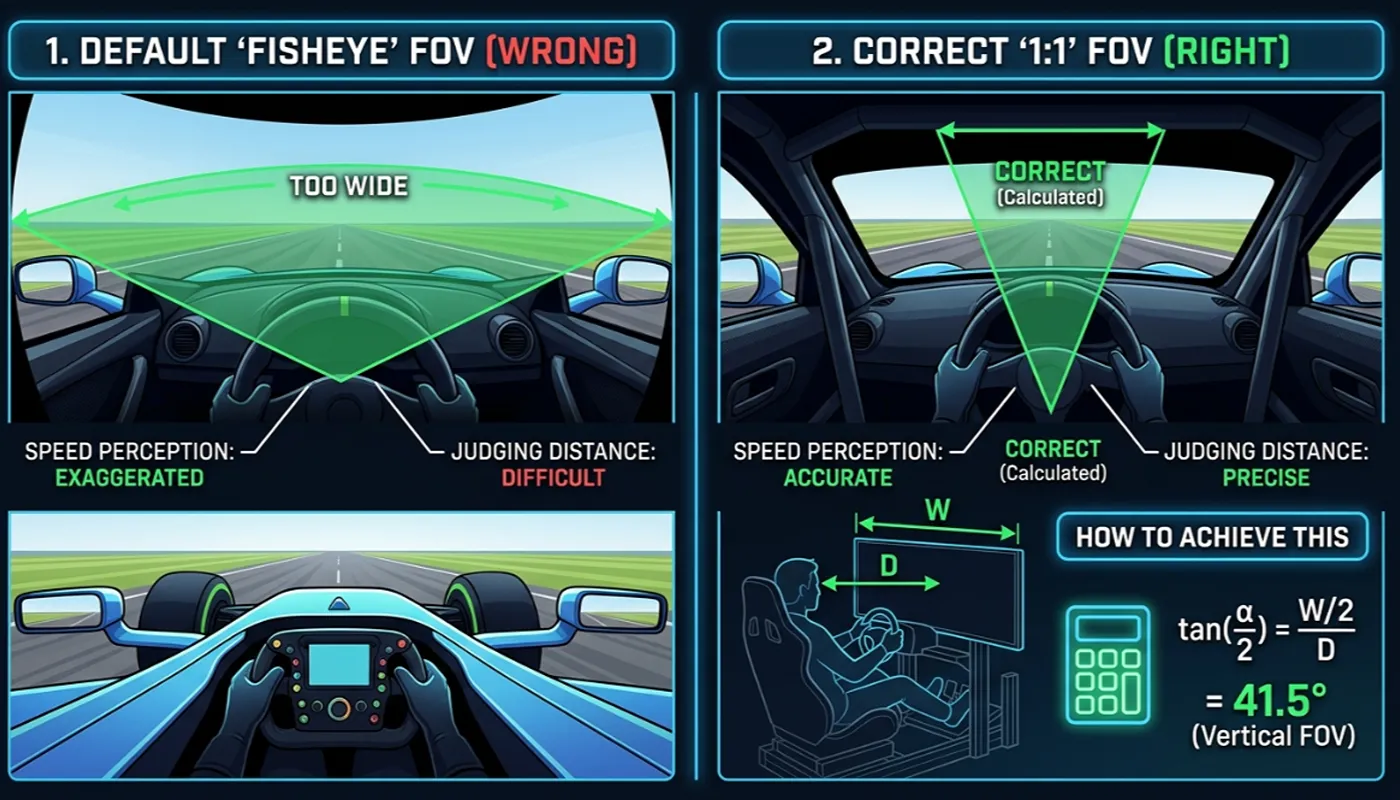
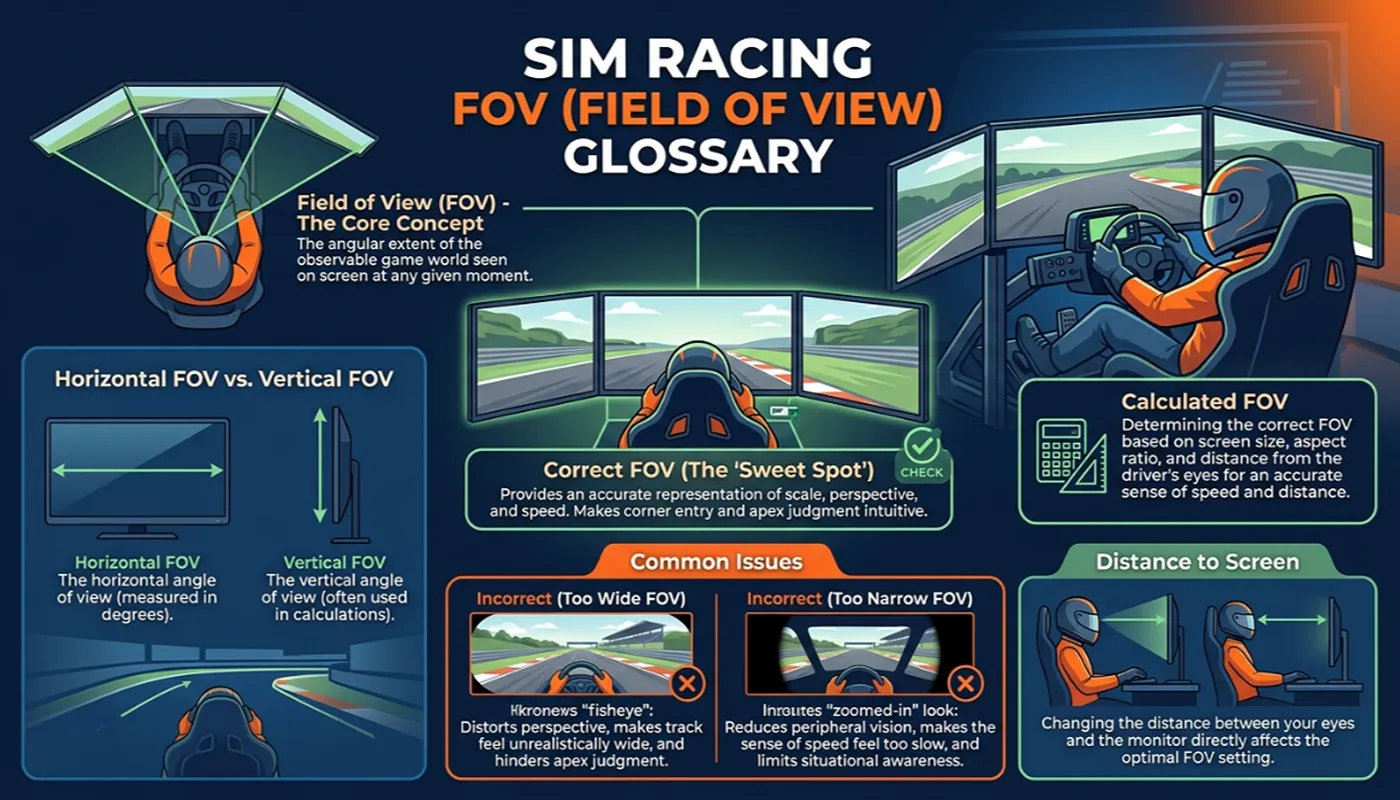
The angle of the virtual game world visible on your screen from the position of the in-game camera. A correct FOV makes objects appear at the same size and distance they would through a real windscreen at your actual seating position.
Horizontal FOV
The angle of the game world visible across the width of your screen, measured left to right from the camera’s position. This is the value most simulators, including Assetto Corsa, iRacing, AMS2 and BeamNG, ask for directly.
Vertical FOV
The angle of the game world visible across the height of your screen, measured top to bottom from the camera’s position. Titles built on the rFactor 2 engine and RaceRoom use this value instead of horizontal FOV.
Seating Distance
The straight-line distance from your eyes to the center of your main screen, measured while sitting in your normal driving position with the wheel in hand. This is one of the two core measurements needed to calculate correct FOV, explained in our calculation guide.
Aspect Ratio
The ratio of a screen’s width to its height, such as 16:9 for a standard widescreen monitor, 21:9 for an ultrawide, or 32:9 for a super ultrawide. Aspect ratio, combined with diagonal screen size, determines actual screen width and height in centimeters.
Tripled-FOV Approximation
The community-standard method of estimating combined triple screen horizontal FOV by multiplying a single monitor’s horizontal FOV by three. Valid when side monitors are angled toward the driver rather than left flat. Covered in full in our single versus triple screen guide.
Doubled Vertical FOV
A camera convention used by the F1 racing series, where the in-game setting expects double your actual calculated vertical FOV value due to how the camera math was originally implemented.
Default FOV
The field of view a simulator ships with out of the box. Default values are chosen to look reasonable across an average setup rather than to match any individual driver’s screen size or seating distance, which is why they are wrong for nearly everyone. See our piece on why the wrong FOV costs lap time for the effects of leaving it unchanged.
Get your numbers
For the exact horizontal and vertical FOV for your own setup, use our free Sim Racing FOV Calculator.