
What is FOV in sim racing?
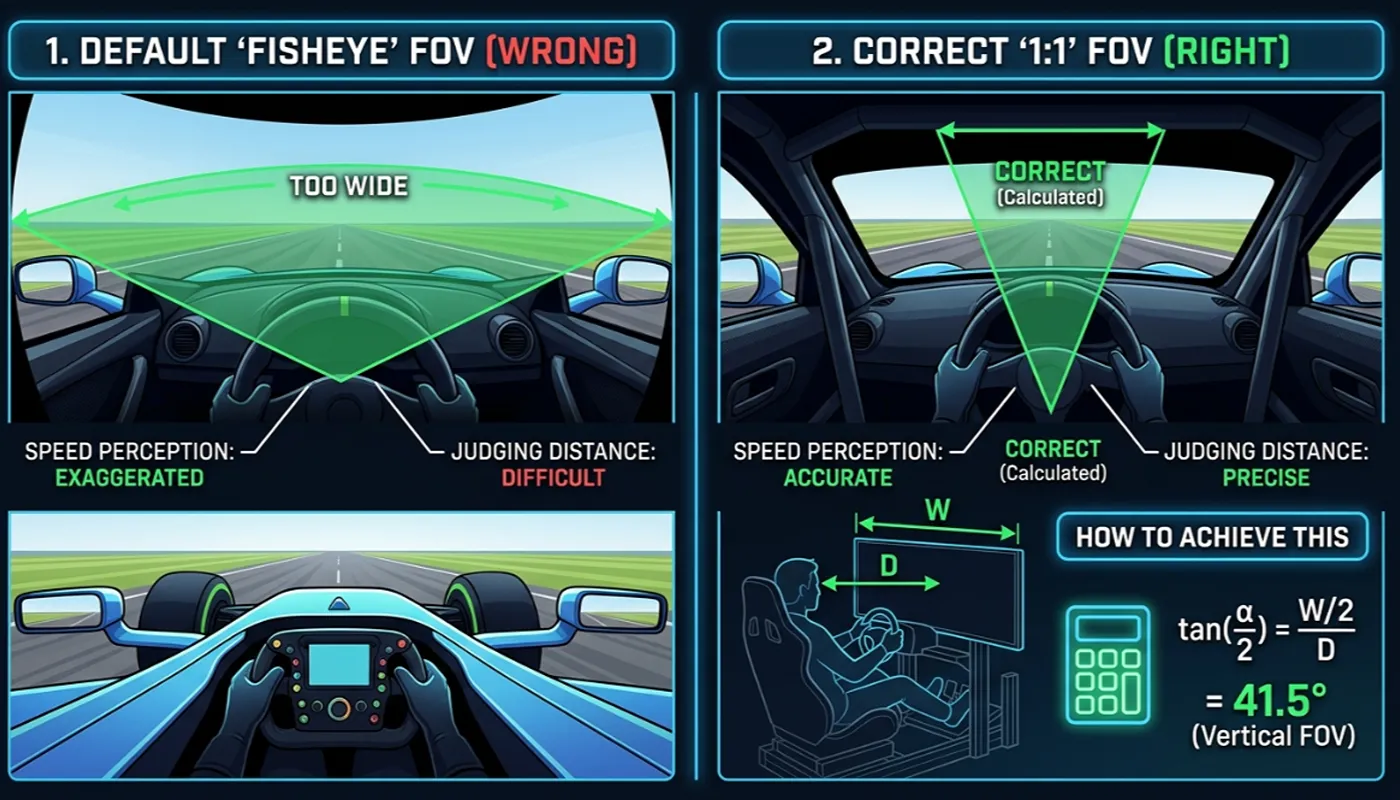
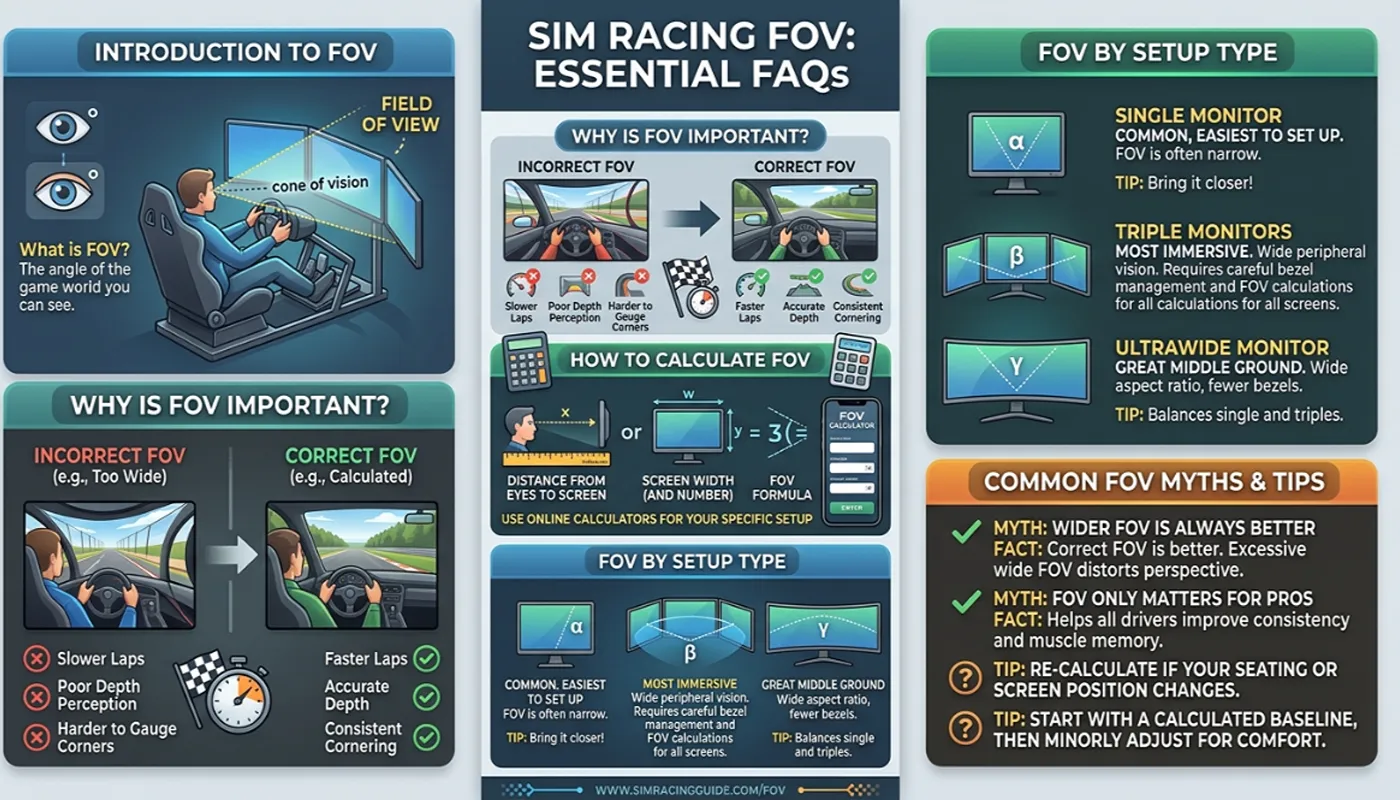
Field of view, or FOV, is the angle of the virtual world your screen shows you from the cockpit camera. A correct FOV makes objects on screen appear the same size and distance as they would through a real windscreen, which improves how accurately you judge braking points and corner entry. Full definitions of related terms are in our FOV glossary.
How do I calculate the correct FOV for sim racing?
Measure your monitor’s diagonal size, your seating distance in centimeters, and your aspect ratio. Horizontal FOV in degrees equals two times the arctangent of half the screen width divided by the viewing distance. The full method is in our FOV calculation guide, or use our free calculator to skip the math entirely.
Does FOV actually affect lap times?
Indirectly, yes. An incorrect FOV distorts your perception of speed and distance to braking markers and apexes, leading to late or early braking. Most sim racers find their lap times become more consistent once FOV matches their real seating geometry. See our full breakdown in why the wrong FOV costs lap time.
Is triple screen FOV really three times a single monitor’s FOV?
As a practical approximation, yes, provided the side monitors are angled correctly toward the driver. This is the standard method used across the sim racing community, explained fully in our single versus triple screen guide.
Why do some games ask for vertical FOV instead of horizontal?
It depends on the engine. RaceRoom and titles built on the rFactor 2 engine expose a vertical FOV field, while most other titles use horizontal FOV. The F1 series uses a doubled vertical value. The complete breakdown by title is in our FOV settings by game guide.
What seating distance should I use for VR instead of a monitor?
VR headsets render a fixed field of view set by the headset hardware itself, so monitor-based FOV calculation does not apply to VR. Most VR users leave in-game FOV sliders at default or 100 percent and let the headset lenses determine what they see.
Do I need to recalculate my FOV every time I switch games?
No. Your horizontal and vertical FOV in degrees stay identical across every game as long as your monitor size and seating distance stay the same. What changes between titles is only which of those two numbers the game’s settings menu asks for, and whether it wants a doubled value, so you only need to calculate once.
Where can I calculate my own FOV?
Use our free Sim Racing FOV Calculator. Enter your monitor size, aspect ratio, seating distance and screen setup, and it returns your exact horizontal FOV, vertical FOV, and the value to enter for your specific sim.