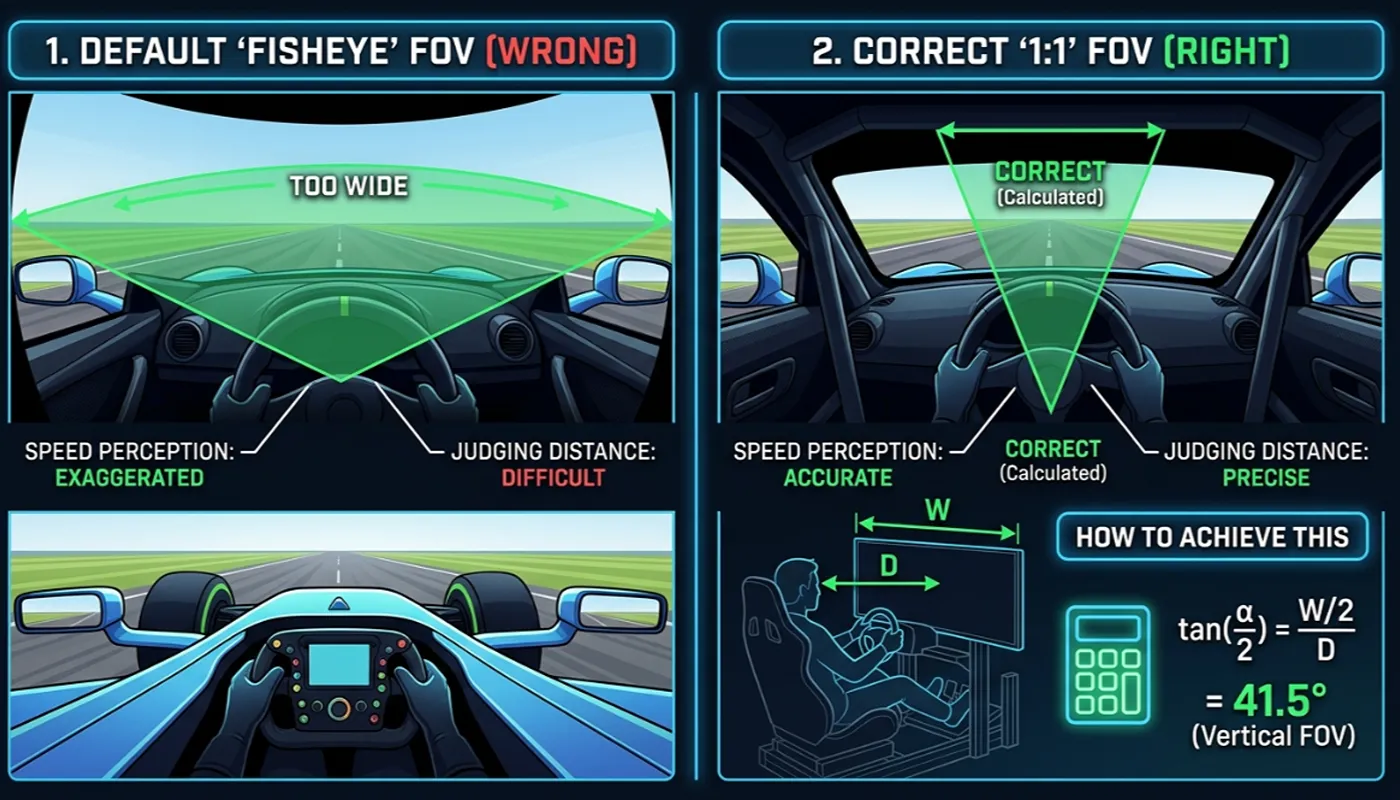

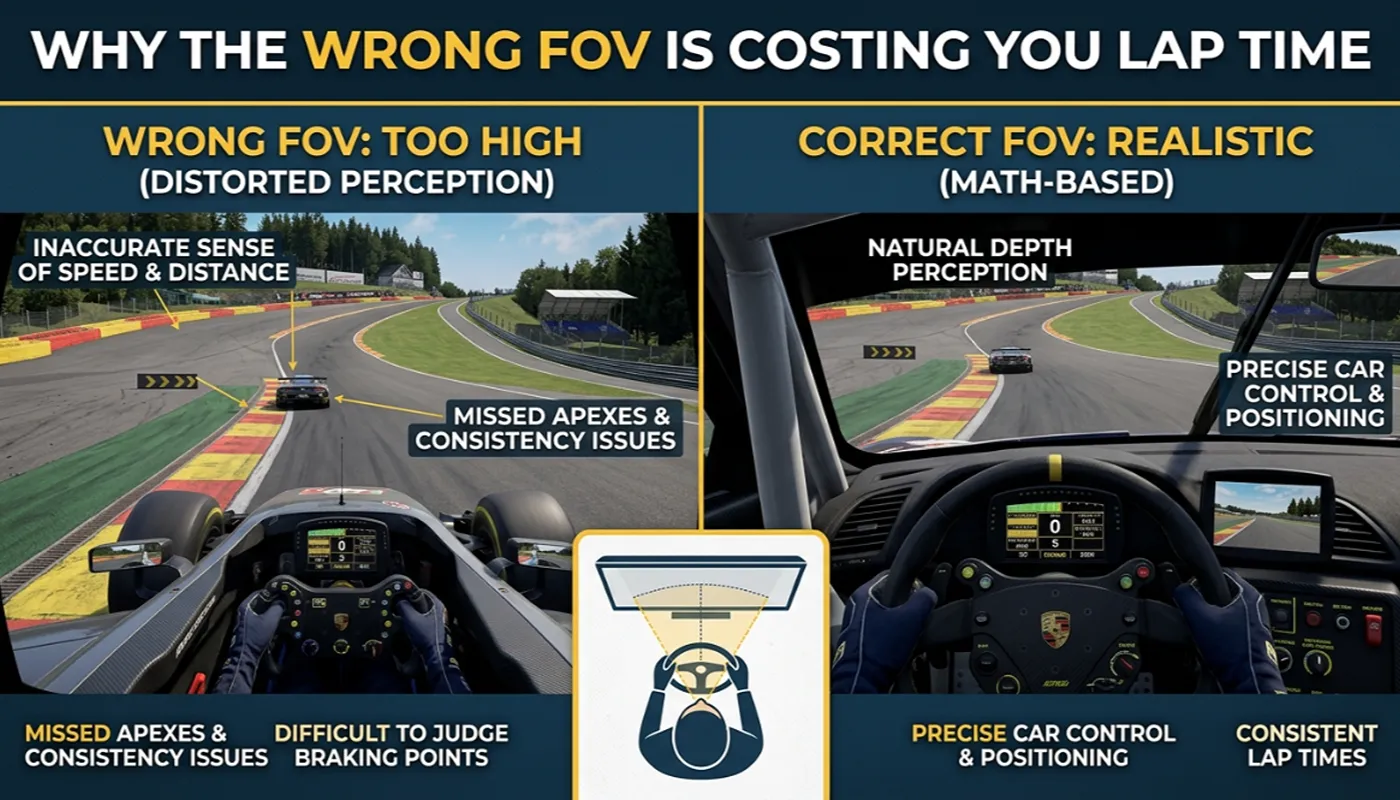
Sim racers troubleshoot inconsistent lap times by adjusting suspension, brake bias, or tire pressures. Rarely do they check the camera settings. Yet an incorrect field of view is one of the most common, and most overlooked, sources of inconsistent braking and corner entry in sim racing.
How a narrow FOV distorts your braking
A field of view that is narrower than your real seating geometry makes everything on screen look further away than it actually is. Braking markers appear to arrive later than they really do, which trains drivers to brake later than they should. The result is running wide at corner entry, lap after lap, without ever identifying the camera as the cause.
How a wide FOV does the opposite
A field of view that is wider than your real seating geometry compresses the world in your peripheral vision while making nearby objects rush past faster than they should. This pushes drivers to brake earlier than necessary and leave time on the table at every corner, since the perceived rate of closure no longer matches actual speed.
Why this error goes unnoticed
Neither error announces itself as an obvious visual bug. It shows up as a subjective feeling that braking is inconsistent from lap to lap, or that the car is harder to place than it should be. Most sim racers respond by adjusting setup variables that were never the actual problem, sometimes for weeks, before ever suspecting the camera.
The knock-on effect on car placement
Correct FOV does more than fix braking distance. It preserves your brain’s normal sense of size relative to distance, which is what lets you judge apex clipping points, gauge gaps in traffic, and read elevation changes on track without conscious effort. An incorrect FOV quietly breaks that sense, and the effect compounds as fatigue sets in over a long stint.
The fix
The correction is not a matter of taste. It is a calculation based on your monitor size and seating distance, explained fully in our guide to calculating the correct FOV. Once you know your correct horizontal and vertical FOV, the number stays the same across every sim you own, and only the specific field it goes into changes, as covered in our per-game FOV reference.
The fastest way to get there is our free FOV calculator, which does the trigonometry for you and returns the exact value to enter for your specific simulator.